

Connect AWS Account
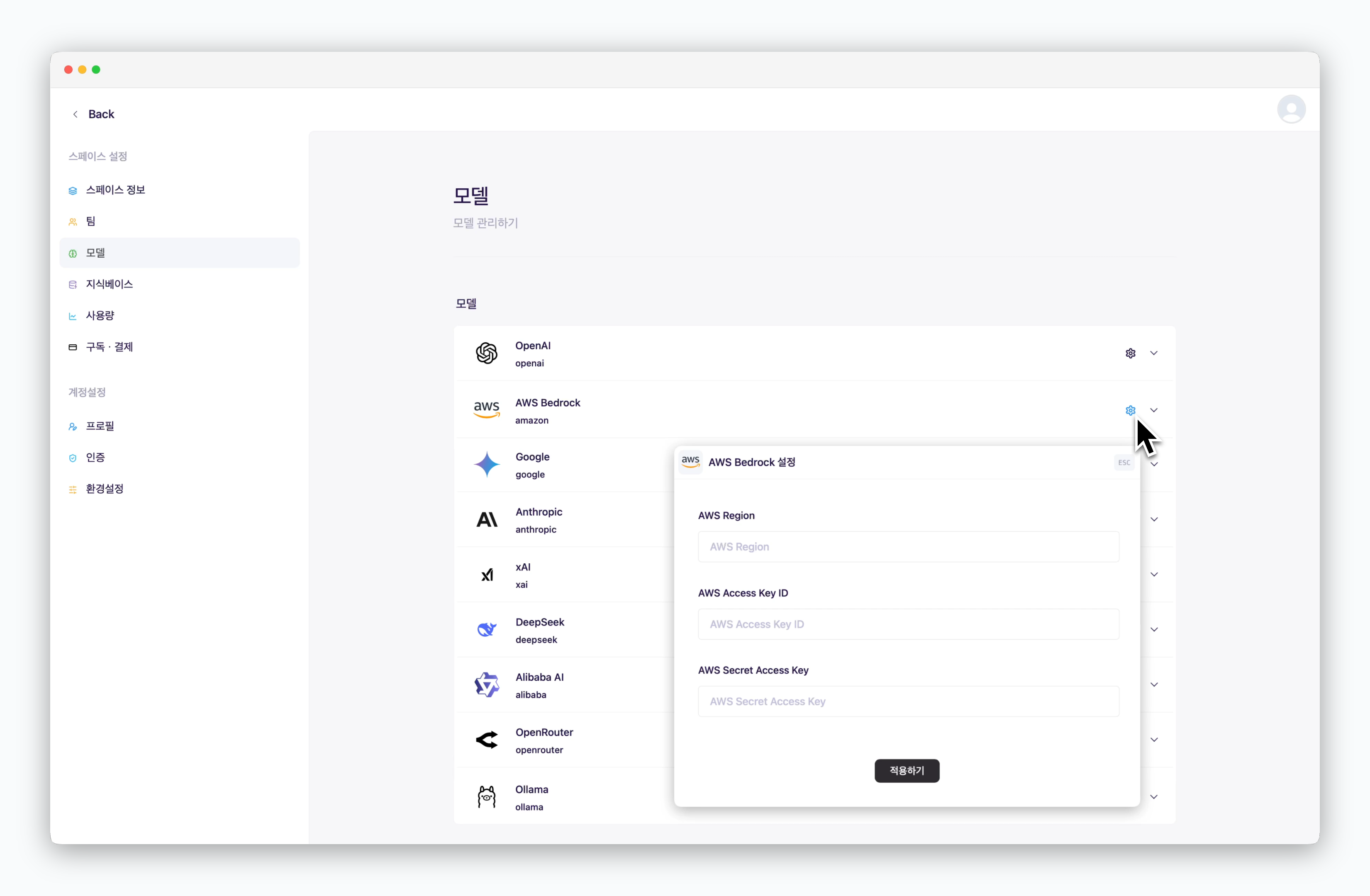
In Settings > Models, click the icon for AWS Bedrock and enter your connection details including AWS Access Key ID.
Add Models
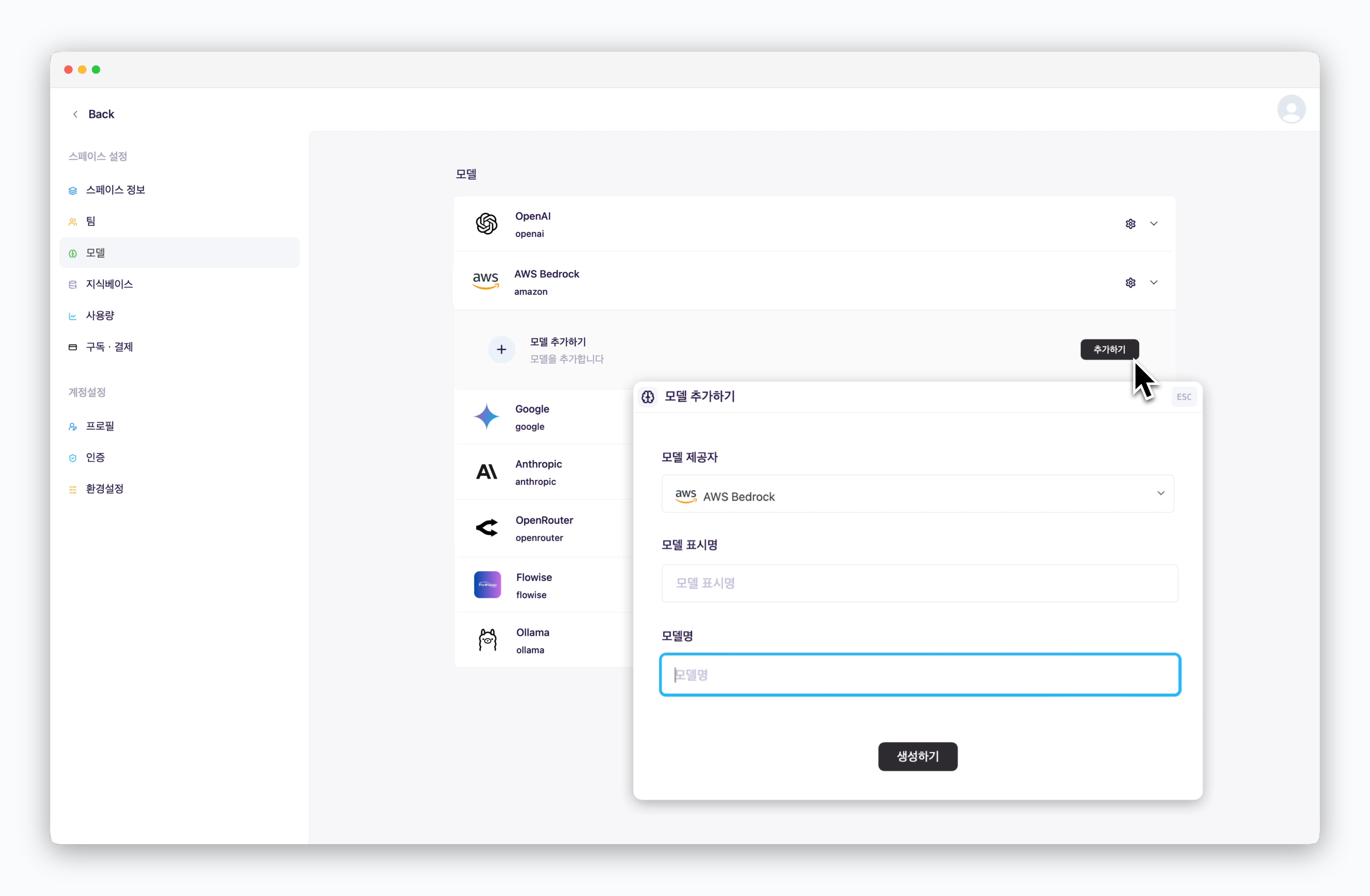
After registering your AWS connection details, click the Add button to add a model as shown. The model display name can be customized and will be shown when selecting models in chats. For the model name, enter the model name configured in AWS Bedrock.