> ## Documentation Index
> Fetch the complete documentation index at: https://docs.getporter.ai/llms.txt
> Use this file to discover all available pages before exploring further.
# DeepSeek
> Guide on generating DeepSeek API keys and using them in Porter AI.
***
## Access DeepSeek API Platform
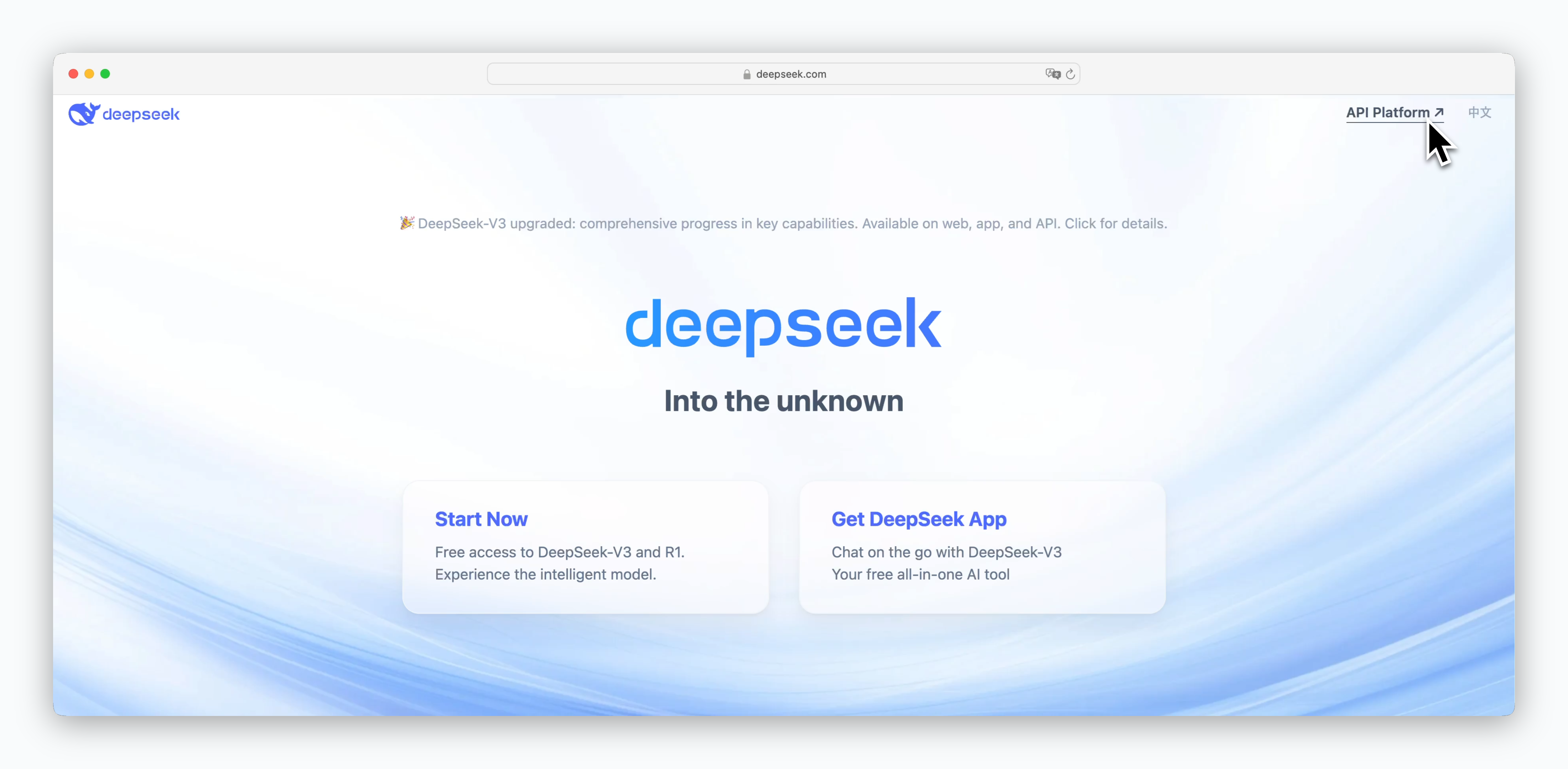 > Go to [https://www.deepseek.com](https://www.deepseek.com) and click `API Platform` at the top, or visit [https://platform.deepseek.com](https://platform.deepseek.com) directly to sign up or log in.
## Generate API Keys
> Go to [https://www.deepseek.com](https://www.deepseek.com) and click `API Platform` at the top, or visit [https://platform.deepseek.com](https://platform.deepseek.com) directly to sign up or log in.
## Generate API Keys
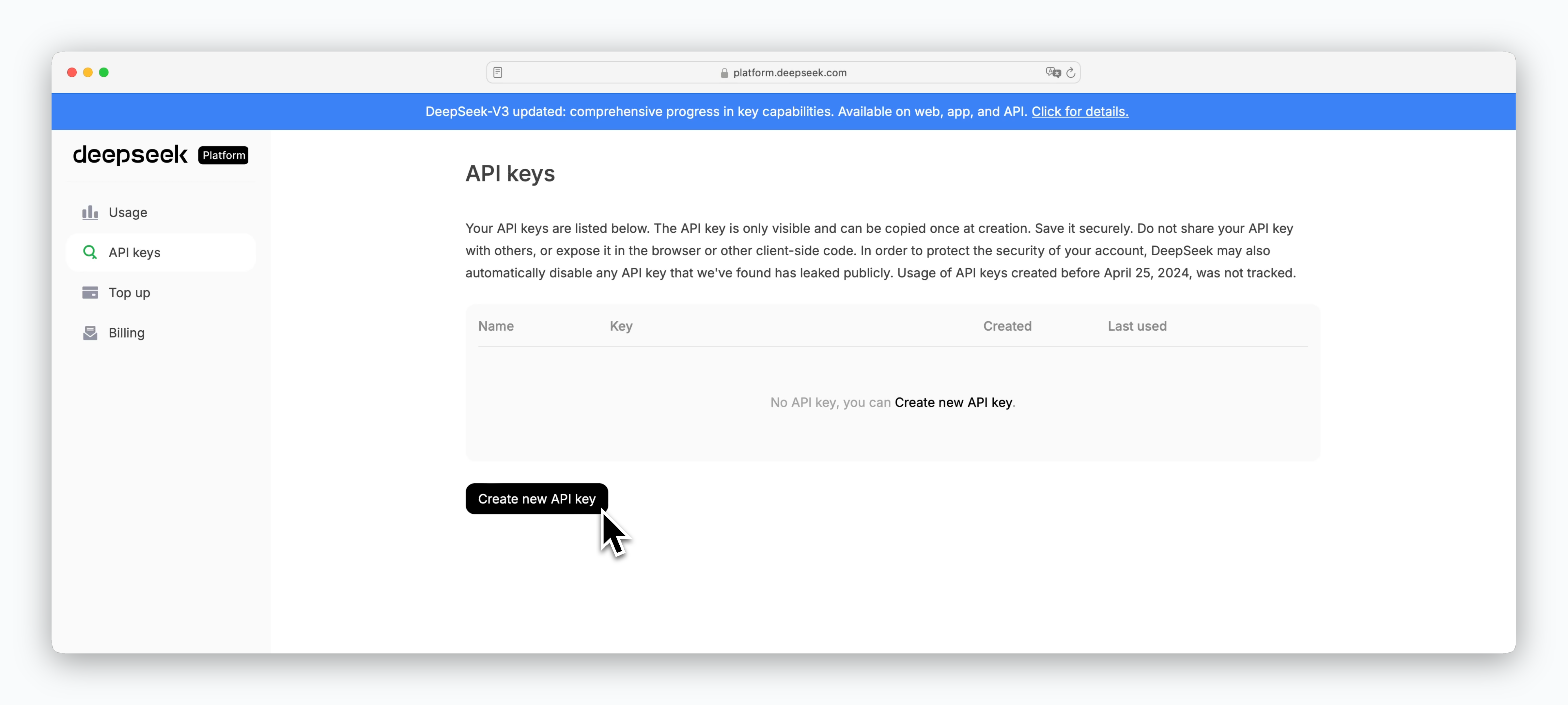 > On the dashboard API keys page, click `Create new API key` to generate an API key.
API keys can only be viewed immediately after generation, so be sure to store it securely. If you lose your API key, you can delete the existing key from the dashboard and generate a new one.
## Add Credits
> On the dashboard API keys page, click `Create new API key` to generate an API key.
API keys can only be viewed immediately after generation, so be sure to store it securely. If you lose your API key, you can delete the existing key from the dashboard and generate a new one.
## Add Credits
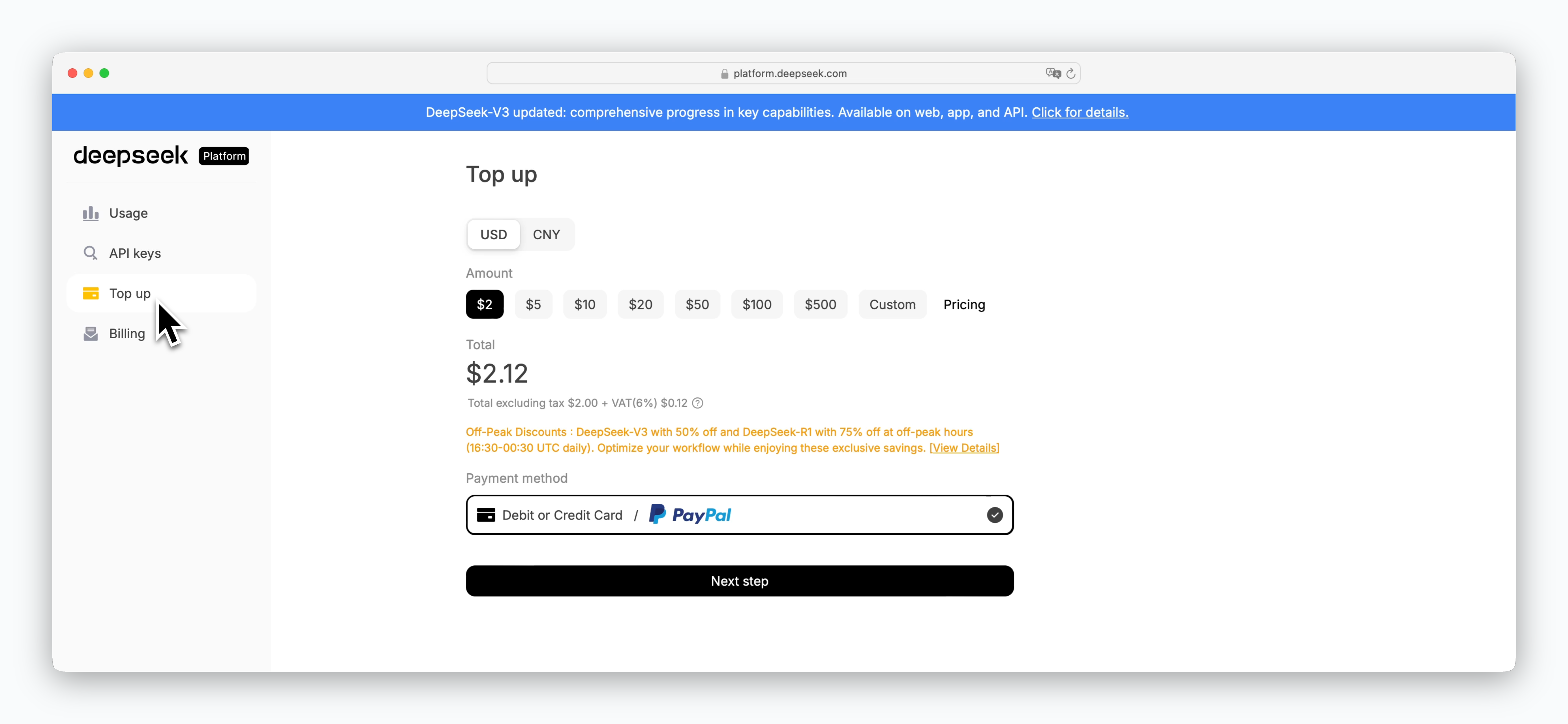 > Register a card and add credits on the Top up page to use the API.
DeepSeek API is a paid service that charges based on token usage, deducting costs from your prepaid credits. The minimum credit purchase is \$2.12. For detailed pricing by model, see the [API Pricing page](https://api-docs.deepseek.com/quick_start/pricing).
## Register API Key in Porter AI
> Register a card and add credits on the Top up page to use the API.
DeepSeek API is a paid service that charges based on token usage, deducting costs from your prepaid credits. The minimum credit purchase is \$2.12. For detailed pricing by model, see the [API Pricing page](https://api-docs.deepseek.com/quick_start/pricing).
## Register API Key in Porter AI
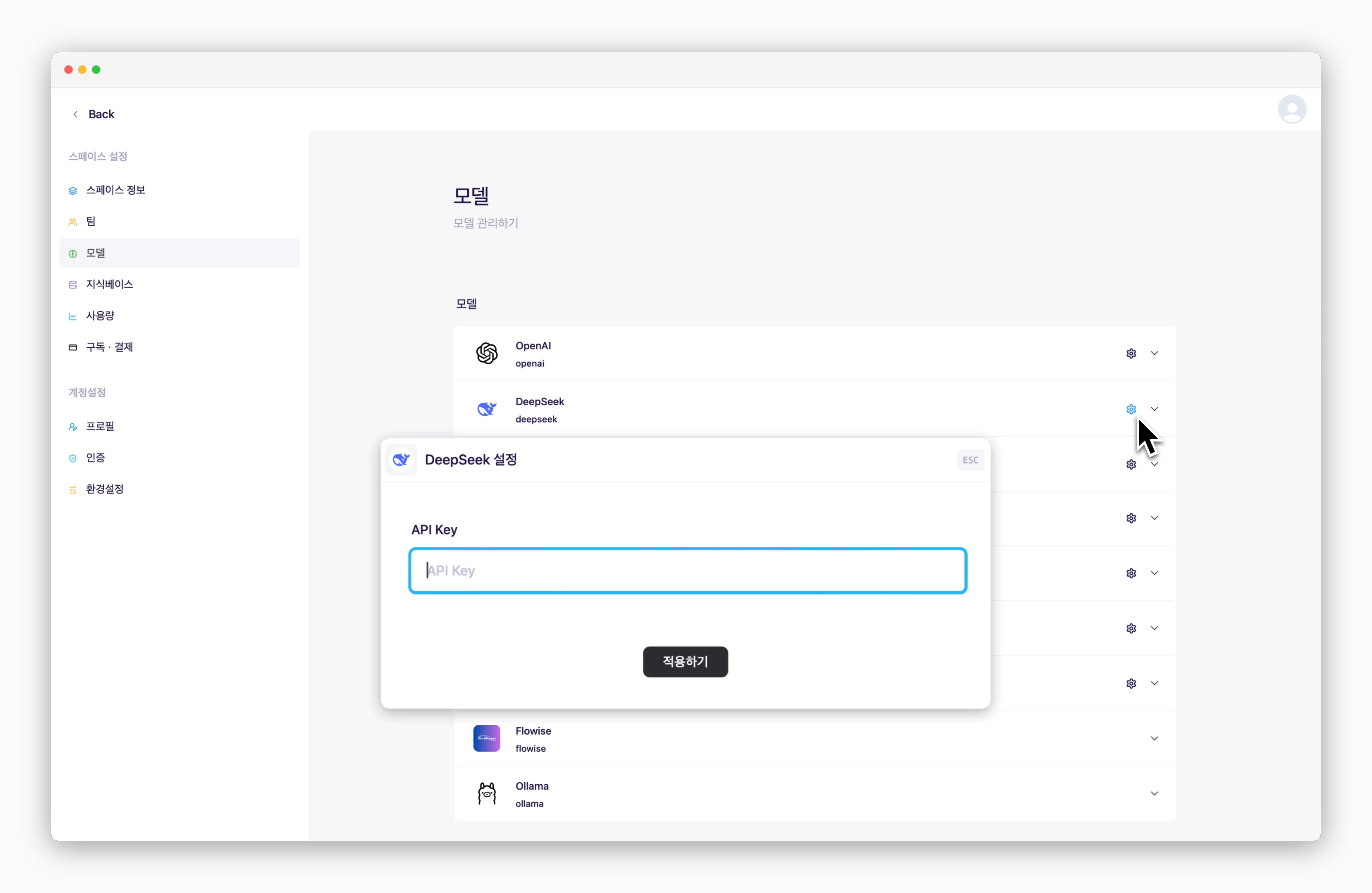 > In `Settings > Models`, click the icon for DeepSeek and enter your API key.
Once you add your API key, DeepSeek model usage will be charged to your DeepSeek credits.
> In `Settings > Models`, click the icon for DeepSeek and enter your API key.
Once you add your API key, DeepSeek model usage will be charged to your DeepSeek credits.