> ## Documentation Index
> Fetch the complete documentation index at: https://docs.getporter.ai/llms.txt
> Use this file to discover all available pages before exploring further.
# Folders
> Organize chats with folders, and bookmark important questions and answers.
## Add New Folders
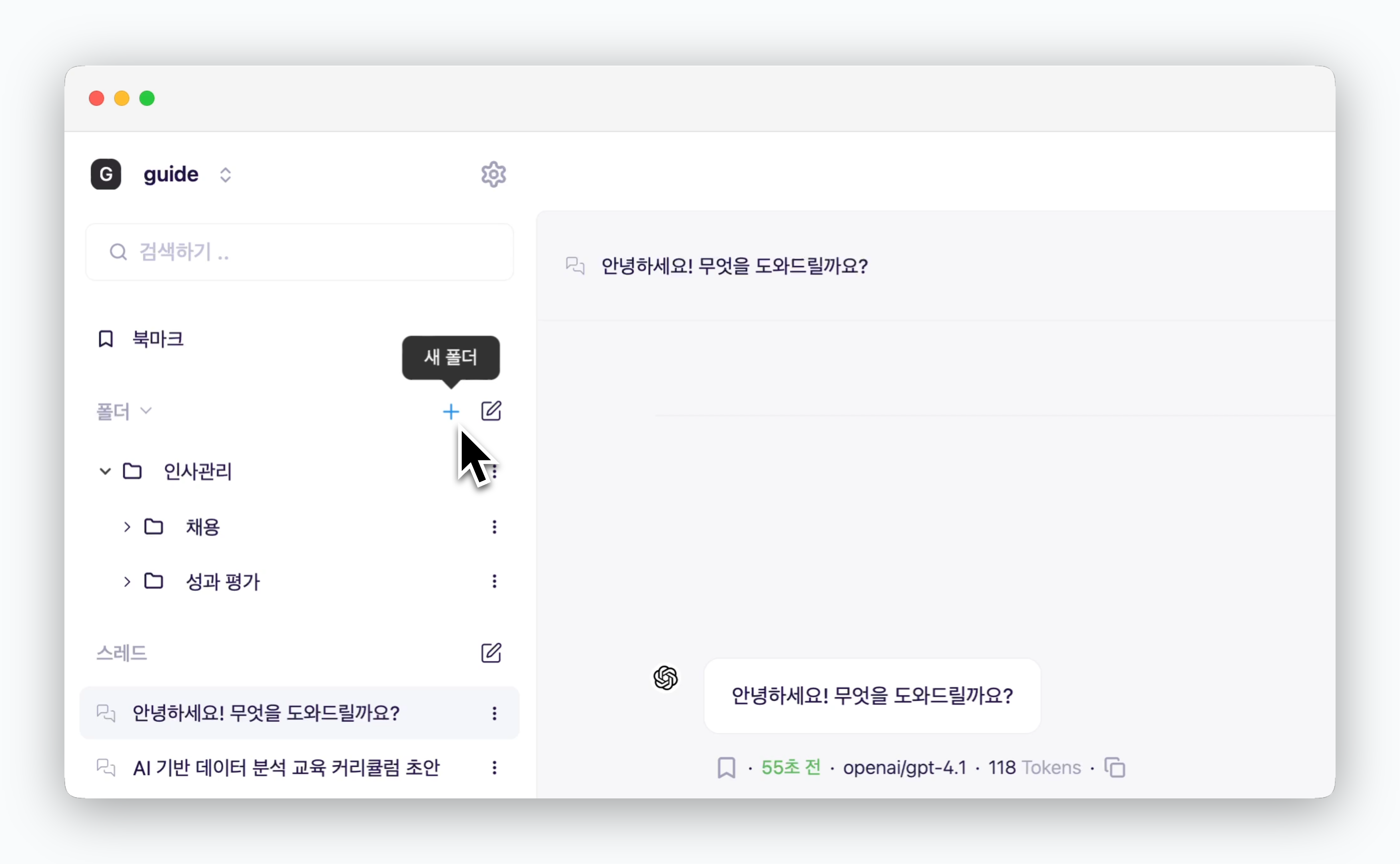 > Create new folders using the icon in the sidebar. Click the icon next to a folder to rename or delete it.
## Add Chats to Folders
> Create new folders using the icon in the sidebar. Click the icon next to a folder to rename or delete it.
## Add Chats to Folders
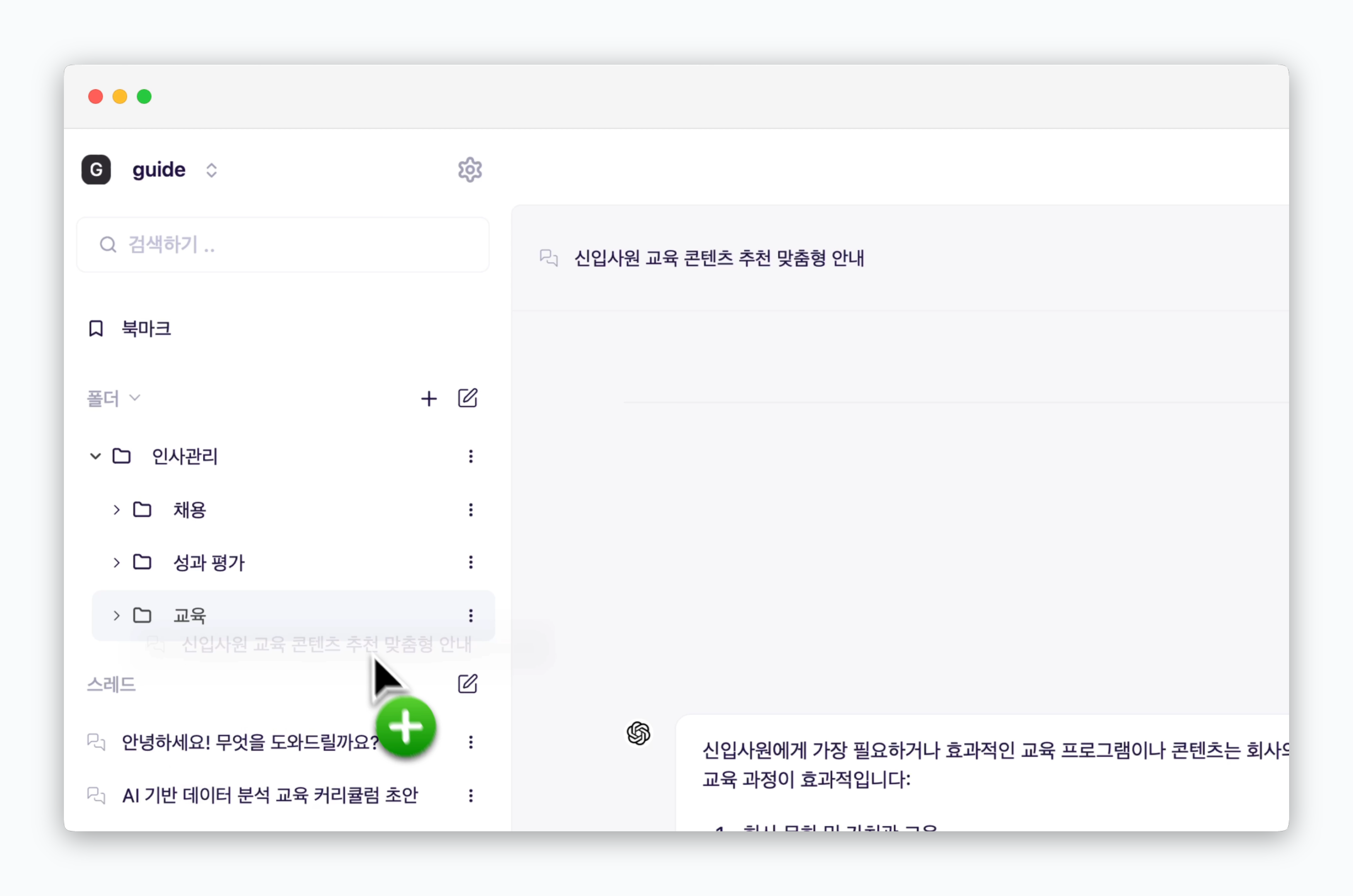 > Use drag-and-drop to add chats to folders.
You can also drag and drop folders to reorganize them.
## Bookmarks
> Use drag-and-drop to add chats to folders.
You can also drag and drop folders to reorganize them.
## Bookmarks
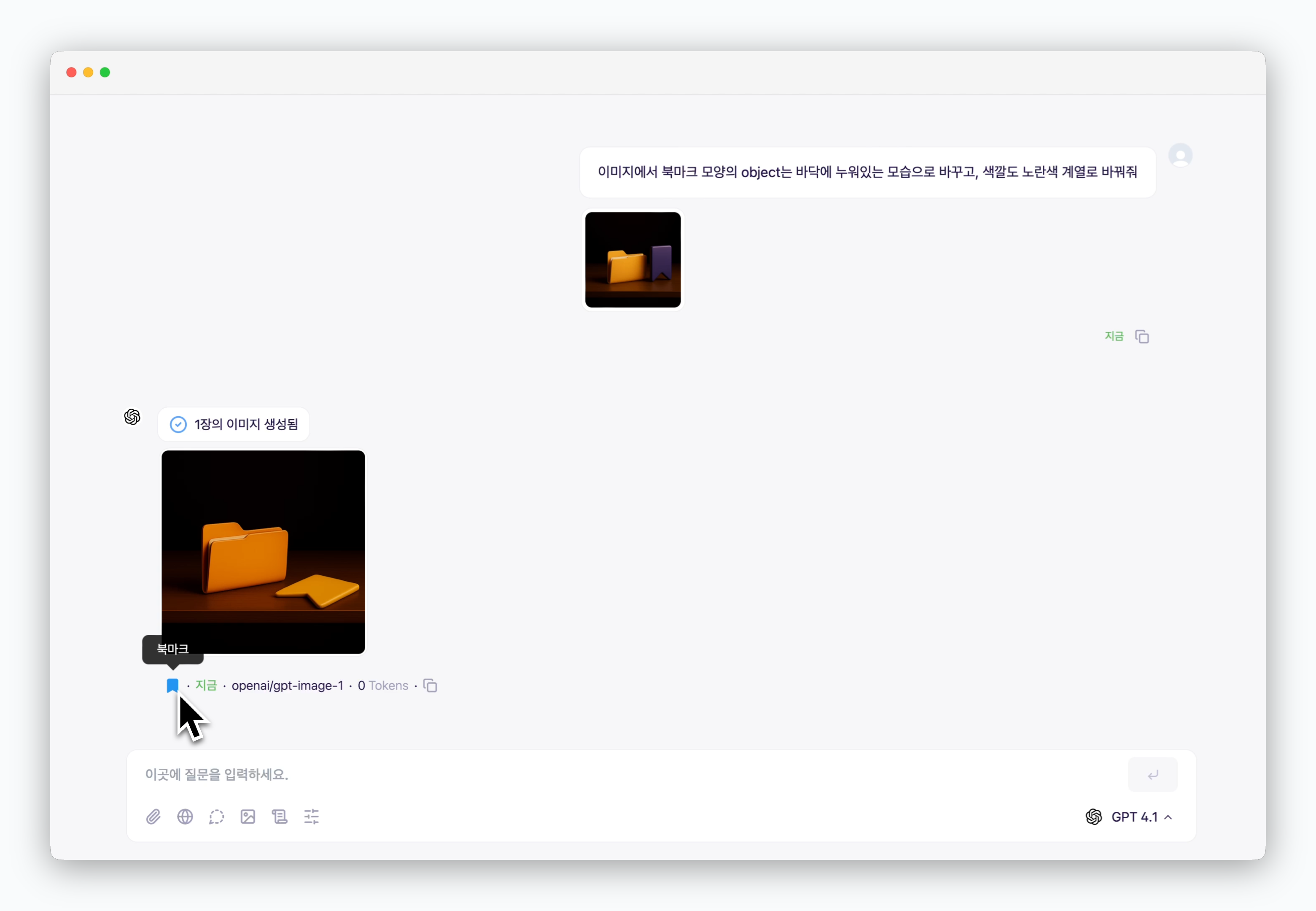 > Use the icon below AI responses to bookmark both the question and answer. You can view all bookmarked content on the bookmarks page.
