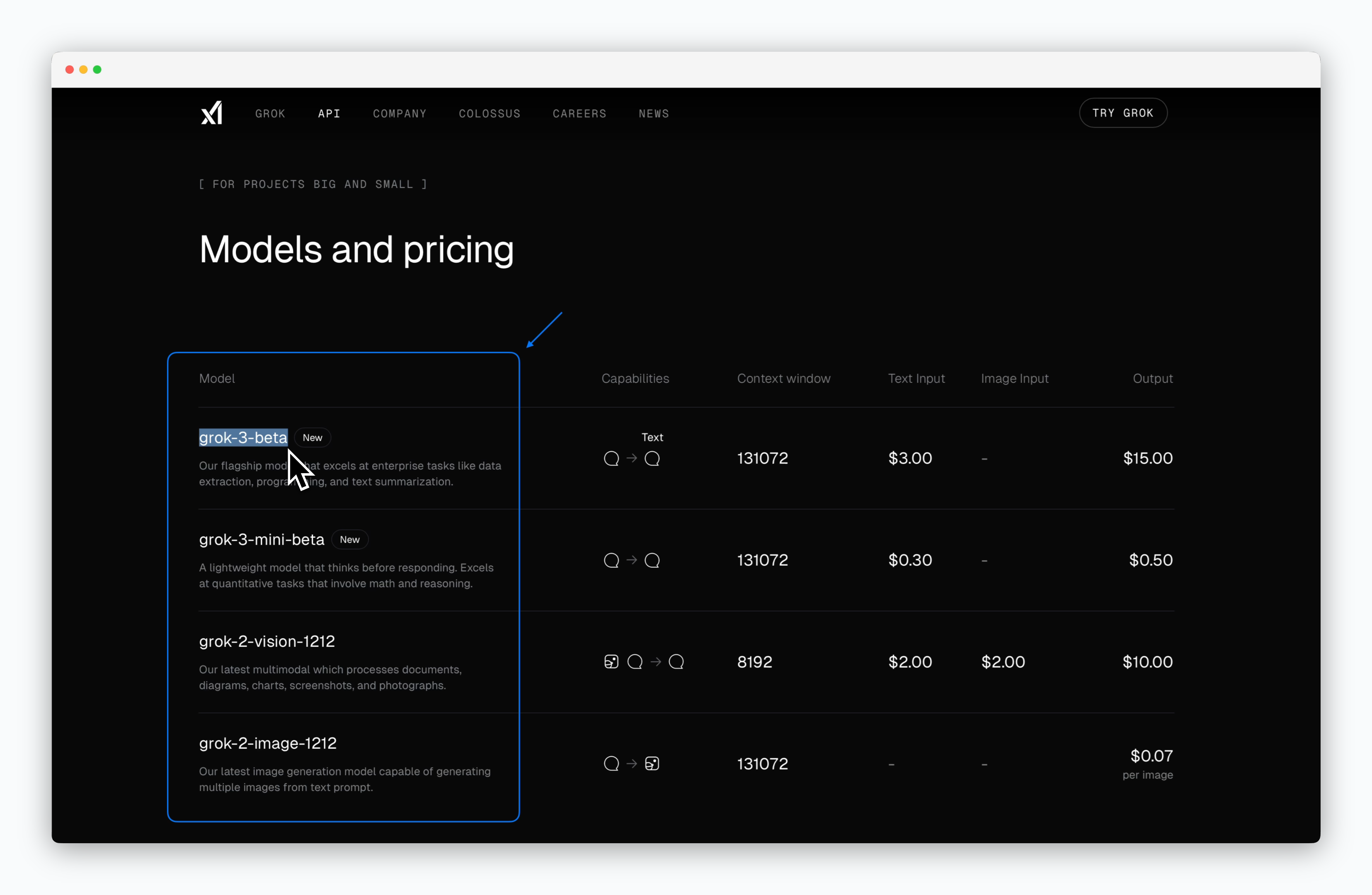
Access xAI
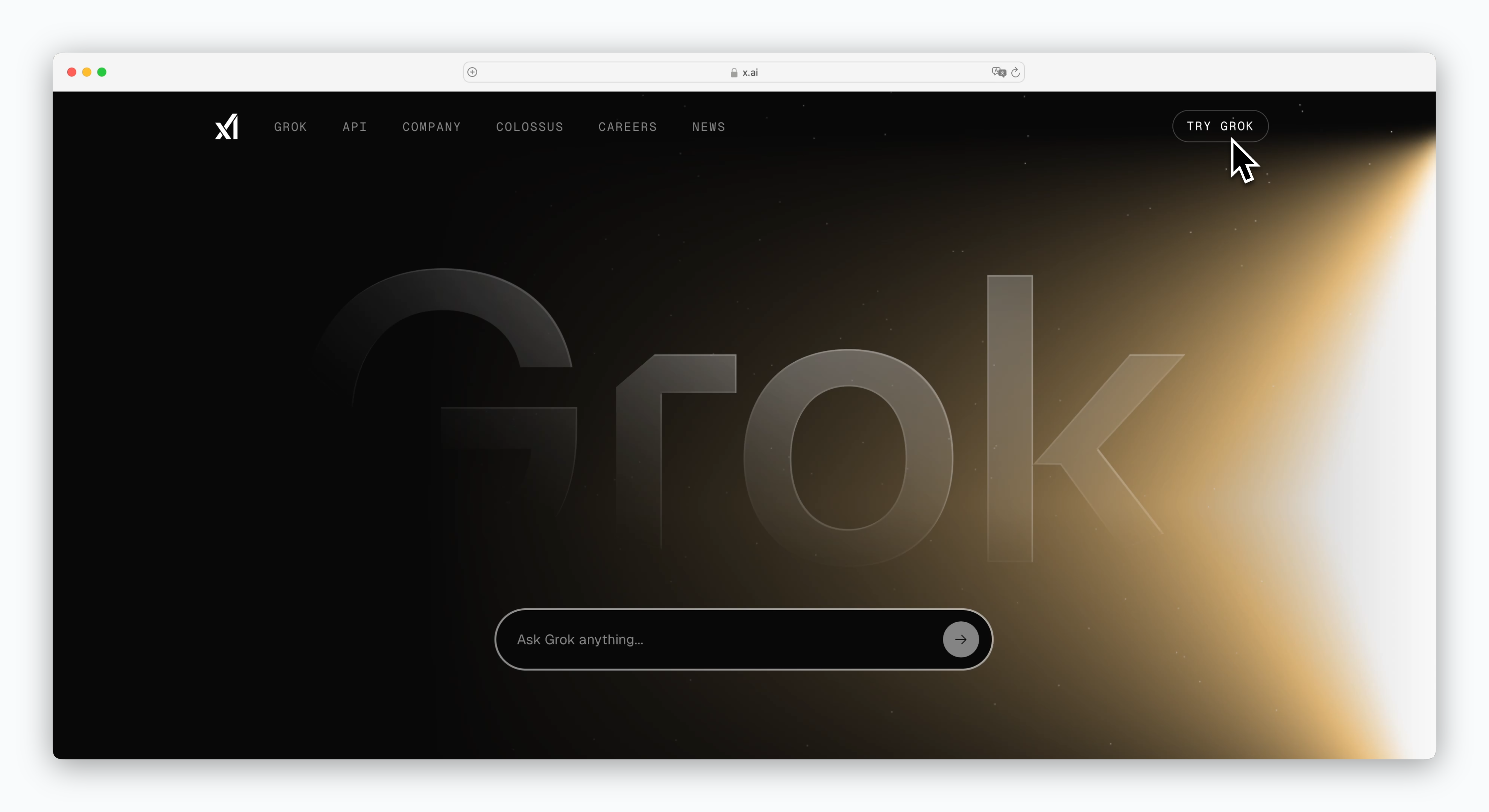
Go to https://x.ai and sign up or log in.
Generate API Keys
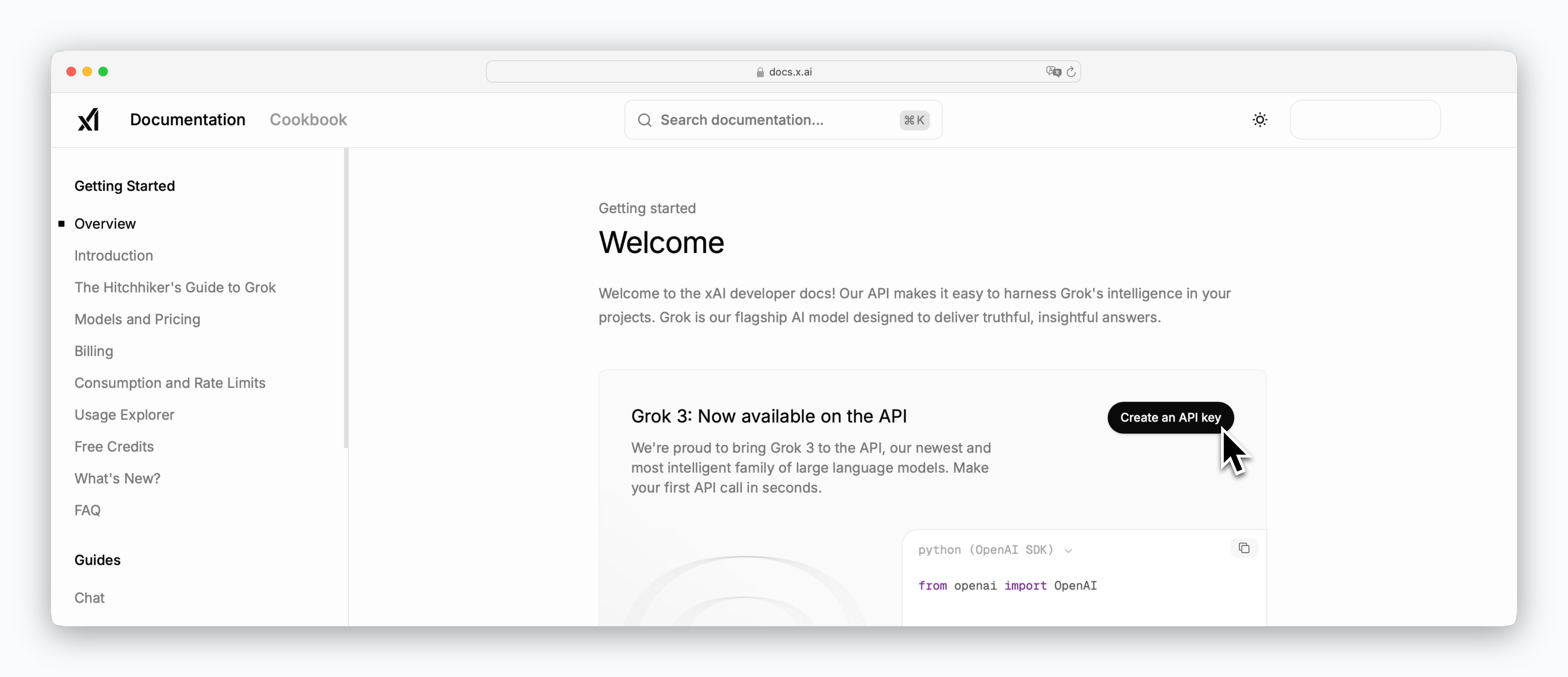
Go to https://docs.x.ai, click Create an API key, and add credits (minimum $5) to generate an API key.
xAI API is a paid service that charges based on token usage, deducting costs from your prepaid credits. The minimum credit purchase is $5. For detailed pricing by model, see the Pricing page.
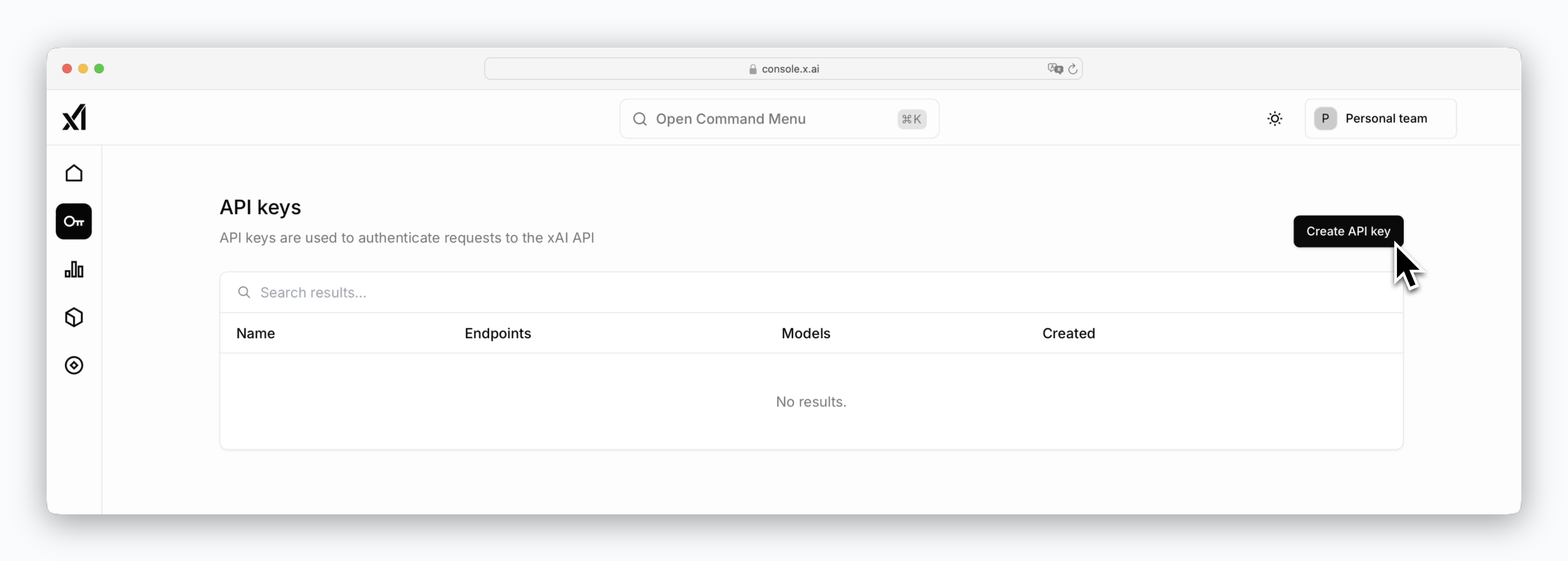
After adding credits, click the key icon in the left sidebar of the dashboard to access the Create API key button and view your generated key.
Register API Key in Porter AI
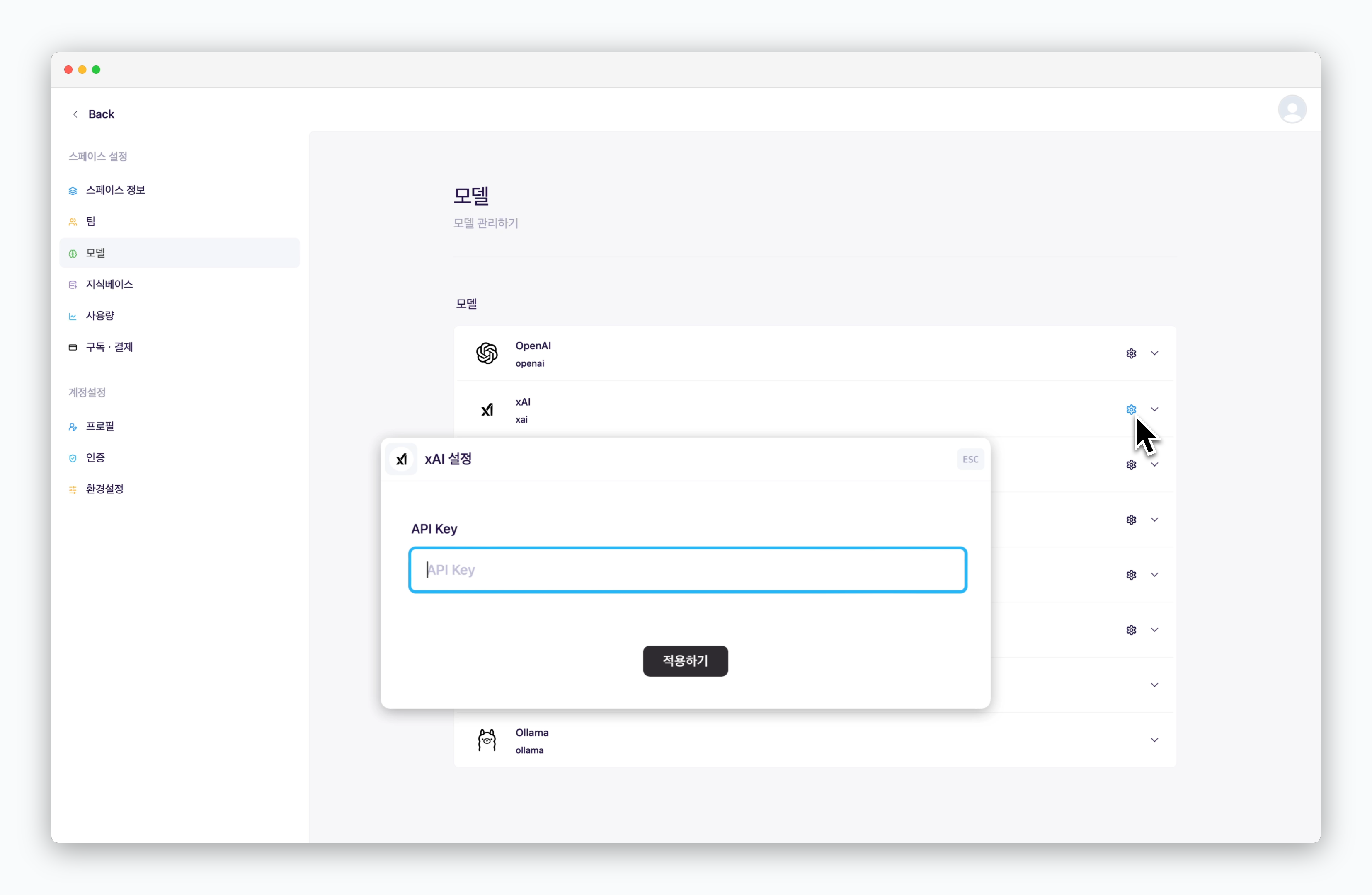
In Settings > Models, click the icon for xAI and enter your API key.
Add Models
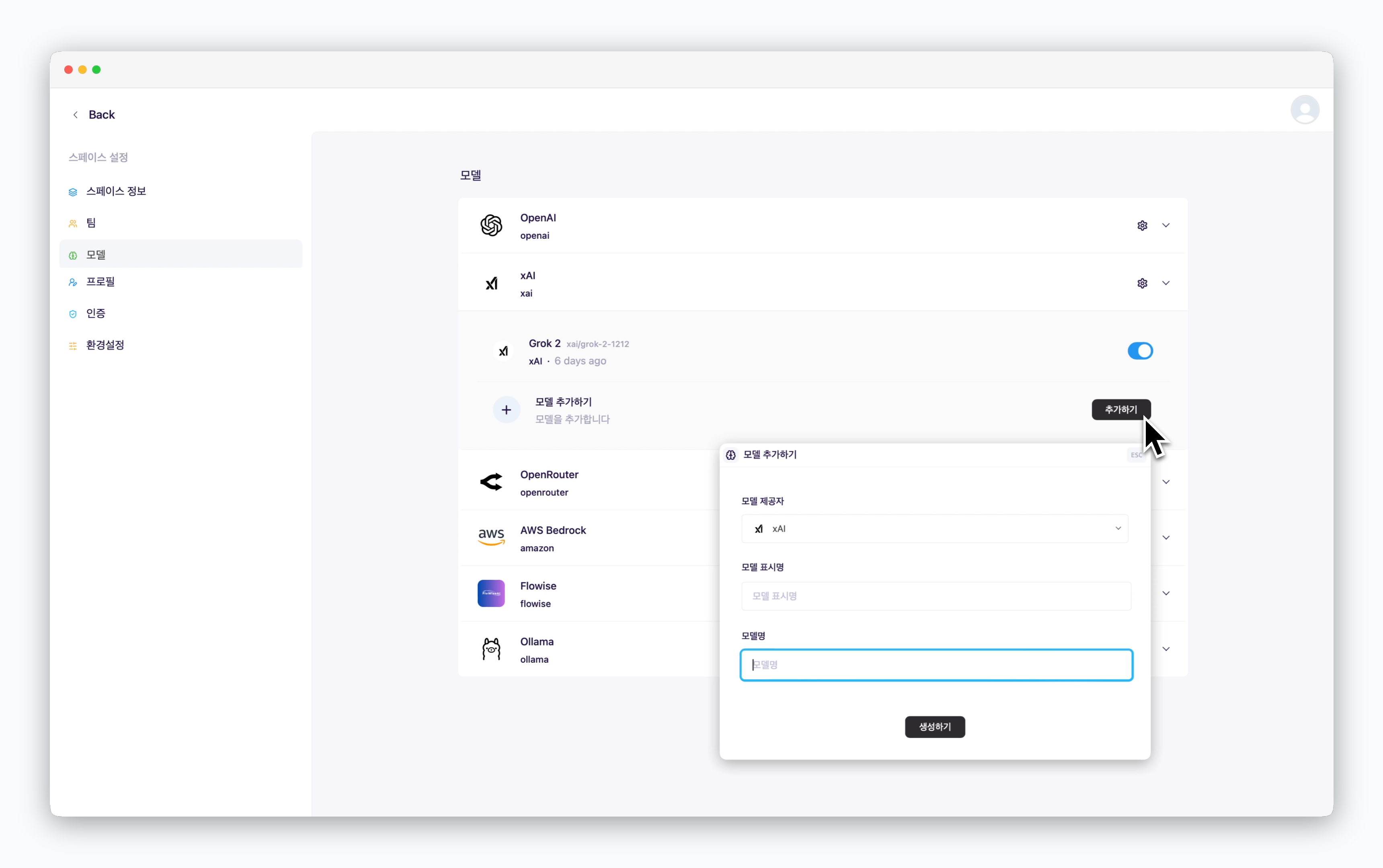
Once you’ve registered an API key, you can add additional xAI models beyond the default ones. Simply provide a display name (shown in chats) and the official xAI model name.
You can find the list of model names available via API on the Models and pricing page. The highlighted section in the screenshot below shows the model name format.