> ## Documentation Index
> Fetch the complete documentation index at: https://docs.getporter.ai/llms.txt
> Use this file to discover all available pages before exploring further.
# AI Models
> A guide to configuring and managing the AI model for use in threads.
***
## Add Models
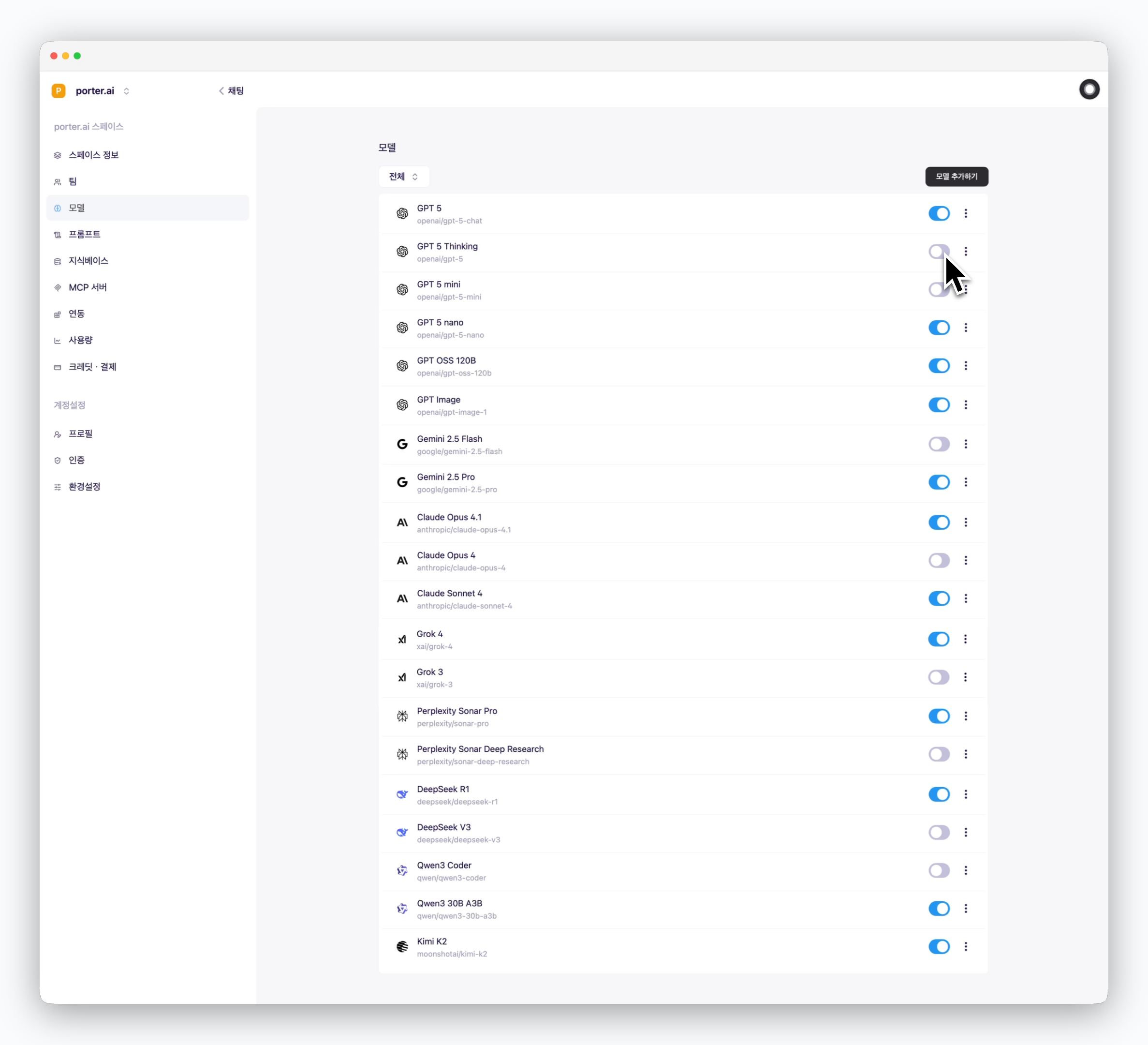 > `In Settings > Models > model section`, Activate the models you want to use by toggling them on to make them available in the prompt box.
## Set Default Model
> `In Settings > Models > model section`, Activate the models you want to use by toggling them on to make them available in the prompt box.
## Set Default Model
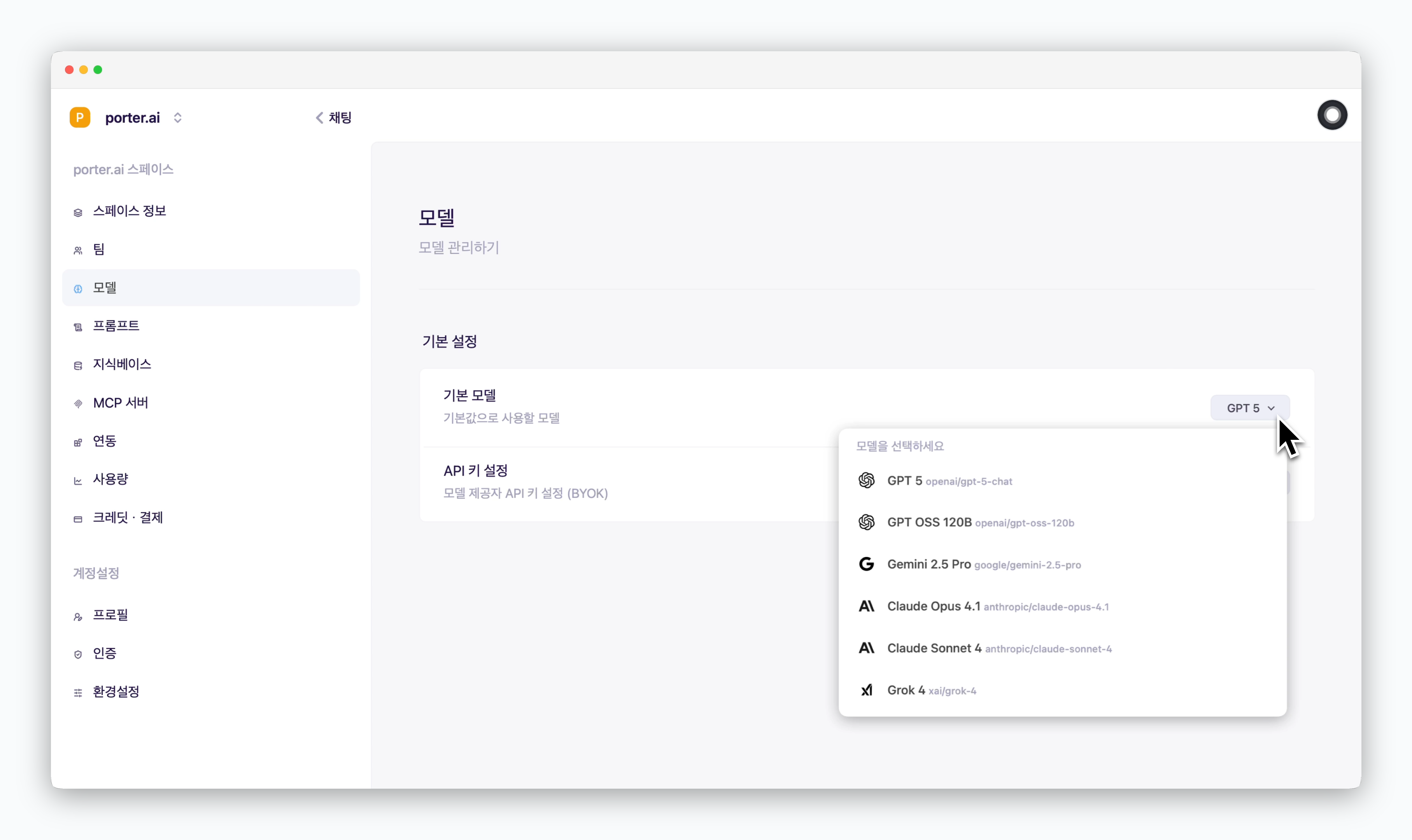 > In the default model section, you can set which AI model to use by default for new chats.
The default model can be selected from among the models you've activated to appear in the prompt box.
> In the default model section, you can set which AI model to use by default for new chats.
The default model can be selected from among the models you've activated to appear in the prompt box.