> ## Documentation Index
> Fetch the complete documentation index at: https://docs.getporter.ai/llms.txt
> Use this file to discover all available pages before exploring further.
# 대화 맥락 관리
> 채팅의 특정 질문과 응답을 맥락에서 제외시키는 기능에 관한 가이드입니다.
## 응답 관리
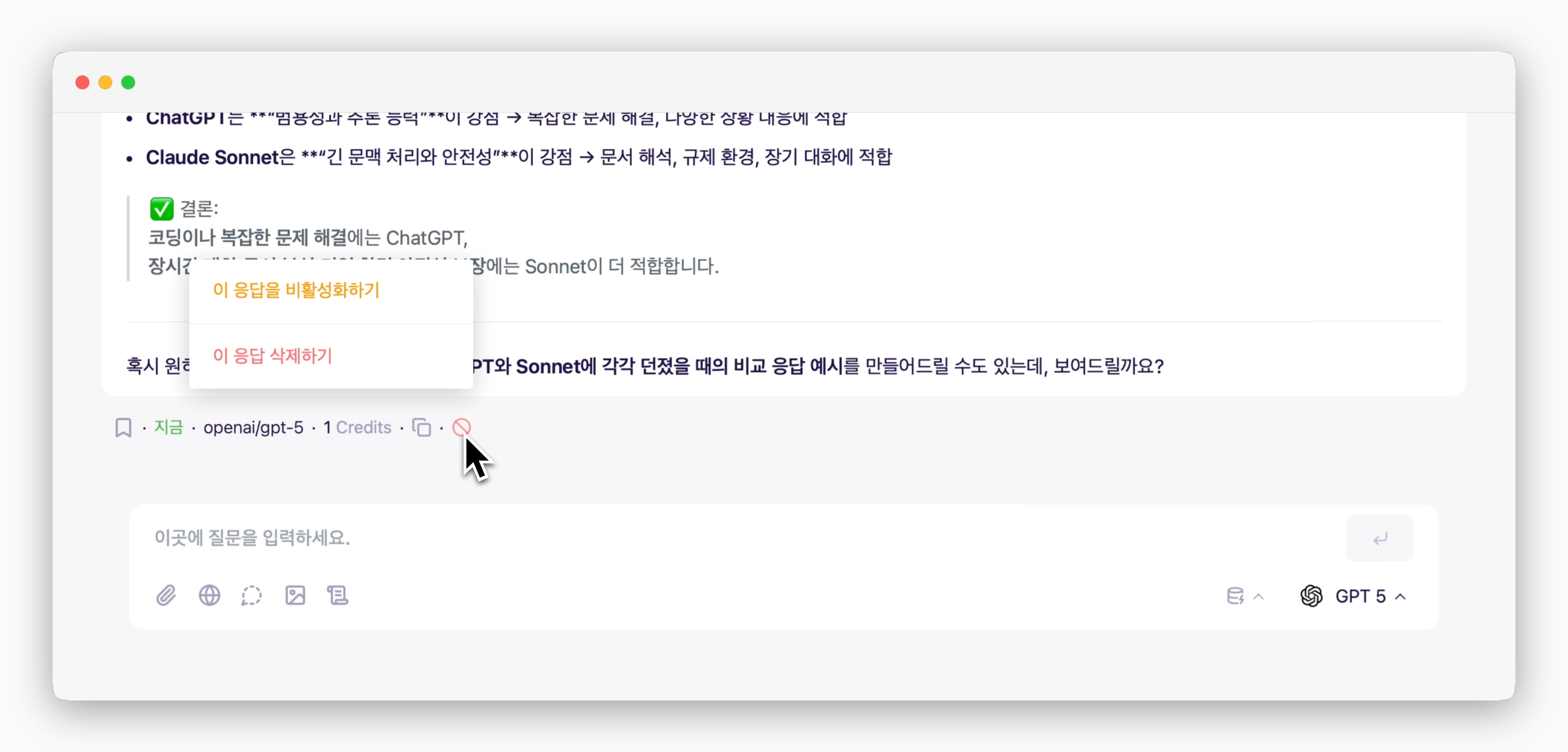 > 답변 하단부의 아이콘을 클릭하면, 해당 응답과 질문을 비활성화해 맥락에서 제외하거나, 응답 자체를 삭제할 수 있습니다.
## 응답 복원
> 답변 하단부의 아이콘을 클릭하면, 해당 응답과 질문을 비활성화해 맥락에서 제외하거나, 응답 자체를 삭제할 수 있습니다.
## 응답 복원
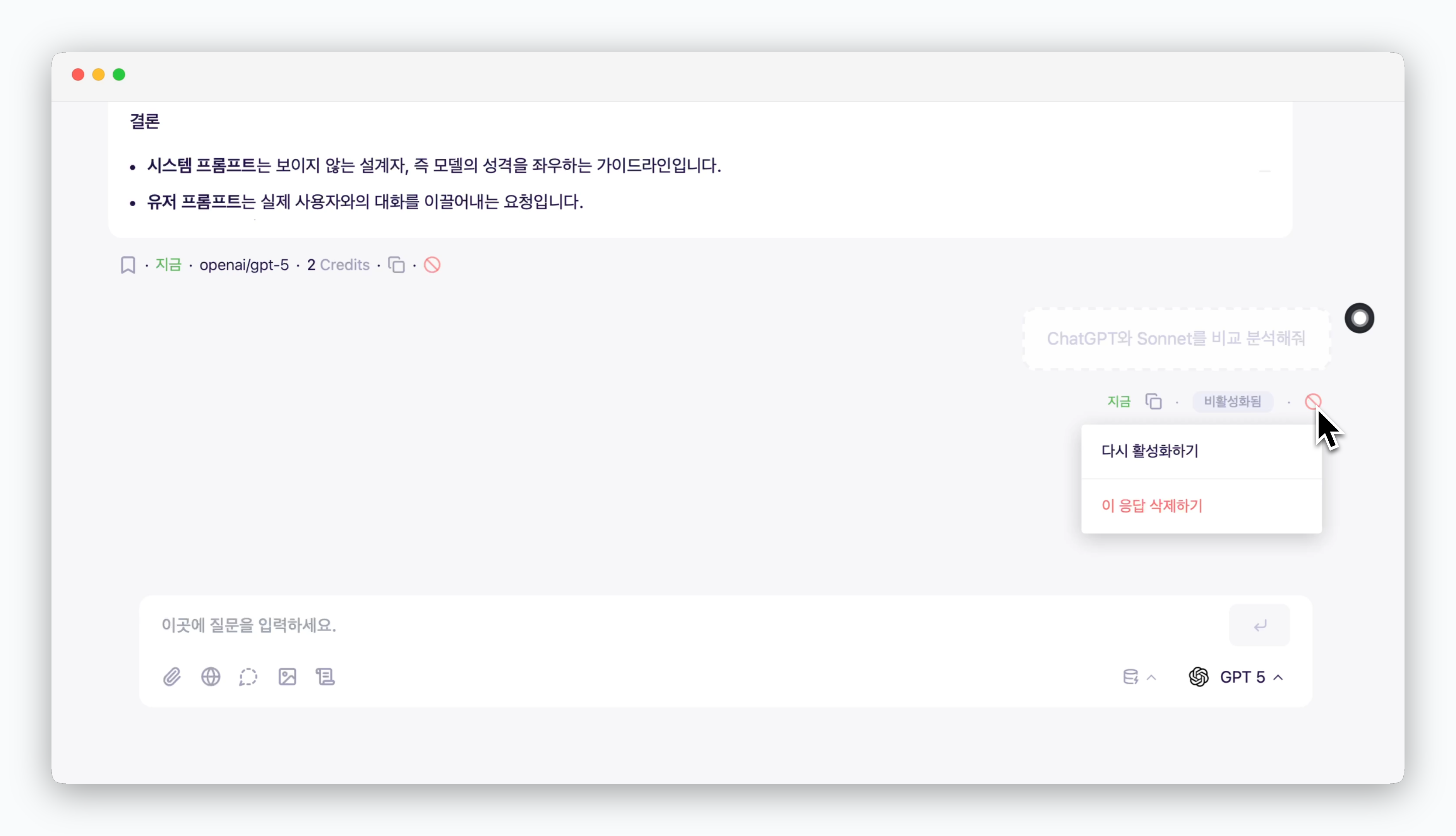 > 비활성화 또는 삭제한 응답을 복원할 수 있습니다.
응답을 삭제한 후 질문을 하면, 삭제된 질문을 복원할 수 없습니다.
## 임시 채팅
> 비활성화 또는 삭제한 응답을 복원할 수 있습니다.
응답을 삭제한 후 질문을 하면, 삭제된 질문을 복원할 수 없습니다.
## 임시 채팅
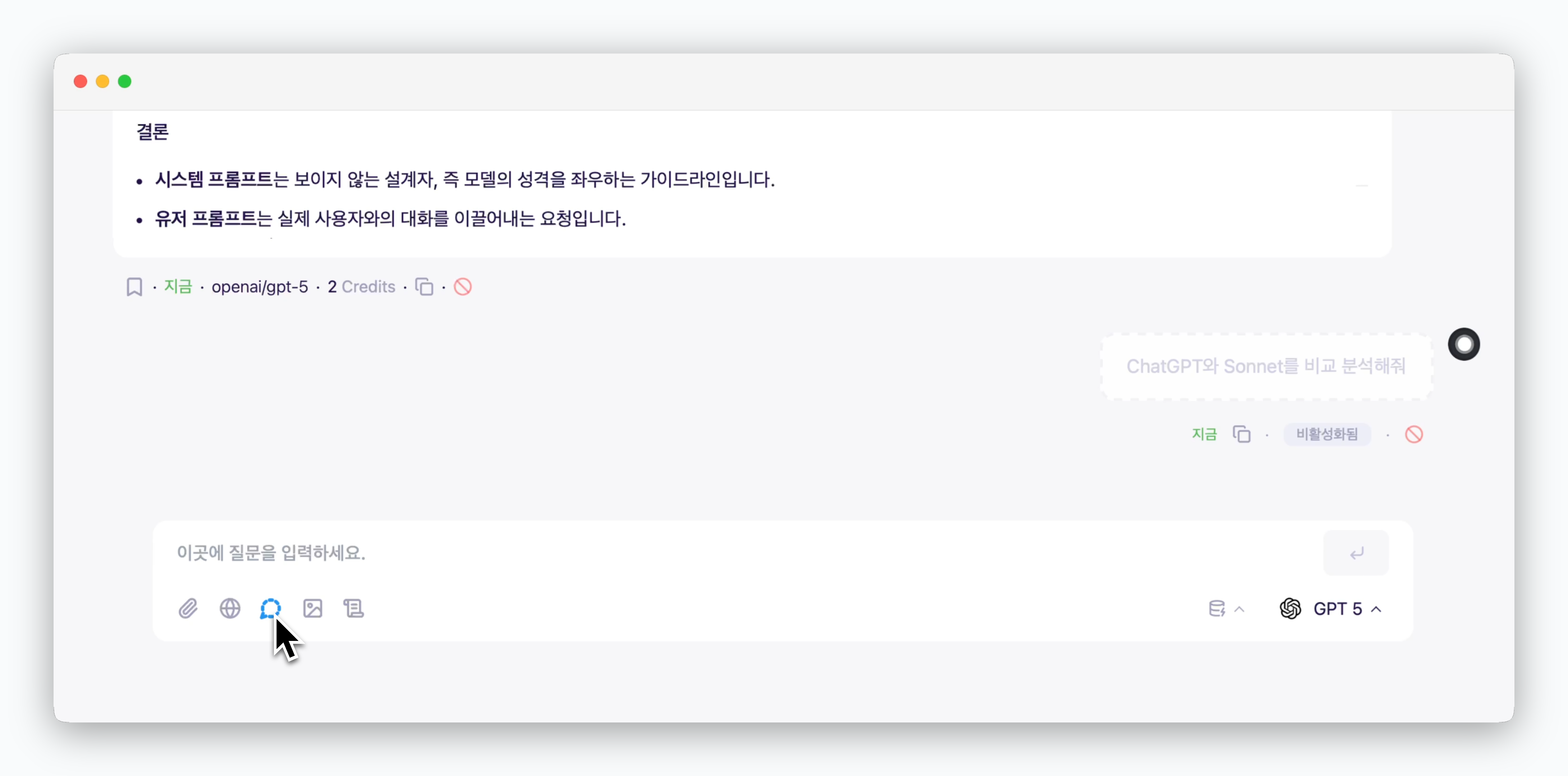 > 아이콘을 활성화하면, 스레드의 대화내용을 고려하지 않고 초기화된 상태의 AI에게 질문할 수 있습니다.