Connect
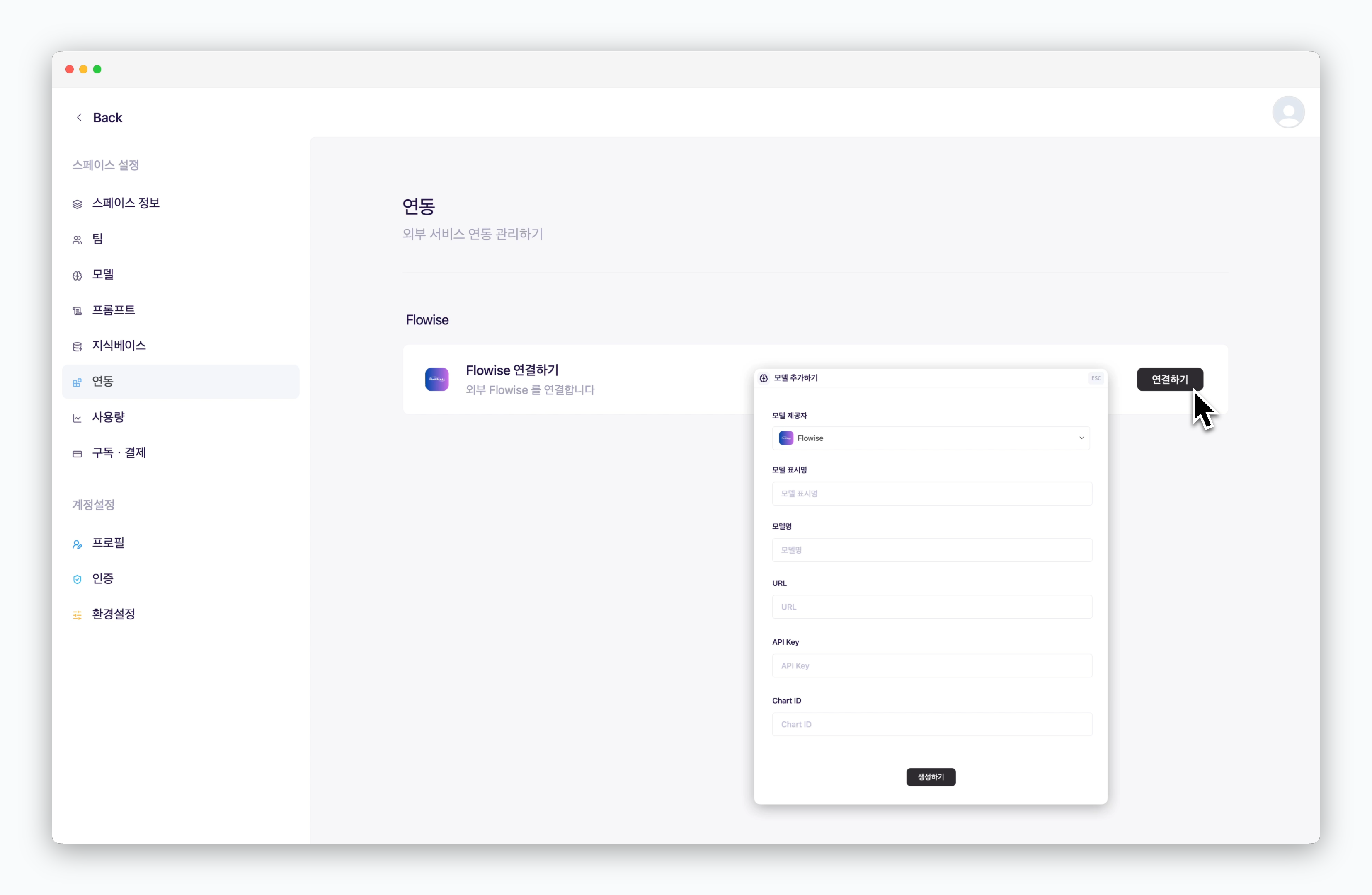
In Settings > Integrations Flowise section, Click Connect and fill in the configuration details below:
-
Model Display Name: The model name displayed in chat conversations
-
Model Name: The name of the Chatflow configured in Flowise
-
URL: The URL of the deployed Flowise service
-
API key: The API key generated in Flowise
-
Chart ID: The random string at the end of the Chatflow access URL
Chatflow access URL format: https://[domain]/canvas/[Chart ID]
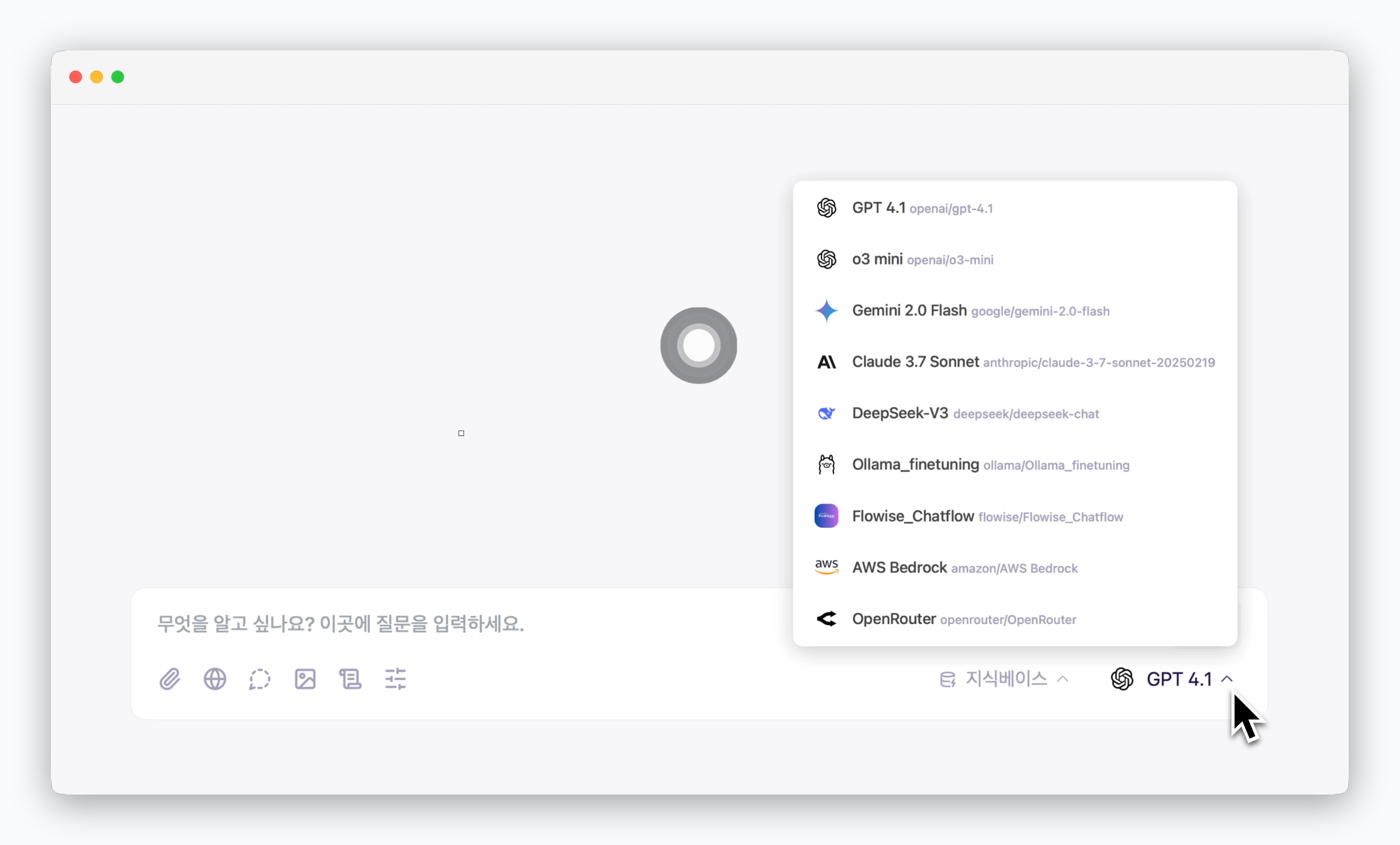
Select Flowise in Prompt Box
Select your connected Flowise from the prompt box to chat using the configured Chatflow.